Drop in an hour of gameplay, take shorts
frameyeet scans the whole recording, finds sound spikes, motion and scene cuts, and suggests 9:16 shorts for TikTok, Reels and YouTube Shorts. It all runs on your computer: nothing uploads, and there are no minutes to buy.
Free · No watermark · Best in Chrome or Edge on a computer
Gameplay auto-cut, in your browser

- Gameplay recordingLive
- Concert, show, eventIn development
- Lecture, course, webinarIn development
- Travel and vlogsIn development
- Sports and matchesIn development
- Review or how-to guideIn development
- Talk streamIn development
- InterviewIn development
What you won’t need
No tokens or credits
Cut for free: nobody counts minutes of footage.
Nothing to install
Runs right in your browser.
No cloud
Your video never goes to a server: it all runs on your computer.
No watermark
Your shorts come out clean.
How it works
From recording to shorts in four steps
-
1
Drop your recording
MP4, MOV or WebM: from OBS, ShadowPlay, Xbox Game Bar or downloaded from your channel. Big files open in place, without a copy.
-
2
frameyeet finds the moments for you
Goes through the whole recording, sound and picture, and marks moments that look like a fight, a cutscene or dialogue, or a noticeable change in the frame or sound.
-
3
Keep what works
Every suggested short comes with a reason: “sound spike”, “sharp scene change”. Keep, skip, adjust the edges.
-
4
Export in one go
All picked shorts in 9:16, in a single batch. MP4, 1080 wide by default.


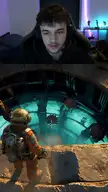
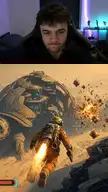

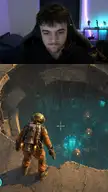


Finding moments
Doesn’t guess. Listens and watches
frameyeet reads the whole recording and looks for places where signals stack up:
- Loud sound spikes
- Sharp motion
- Cuts and scene changes
- Red damage flashes
- In-game captions

- 15:35sound spike
- 34:00sound spikesharp scene change
- 1:10:00sharp scene change
frameyeet suggests, you decide: a suggested short is a hint, not a guaranteed hit. Quiet, slow games give fewer signals to go on.
Three scan modes
- Detailed
- reads every frame
- Medium
- finds ≈ 93% of what detailed finds
- Fast
- finds ≈ 86% of what detailed finds, the quickest
Percentages are relative to the detailed mode, not to every good moment in your recording.
Building a short
frameyeet cuts the dead air for you
Most editing time goes to the dull part: cutting out pauses and stretches where nothing happens. frameyeet does it for you, building the short from pieces of the recording, dropping the dead air between them and putting the strongest moment first. You just check the seams: move, split, drop.
- Dull bits cut: dead pauses of 3 seconds or more, and weak beats between shots.
- Hook first: 1.4 seconds of the peak open the short. Turn it off on the short’s card.
- Punch-in zooms on action in long shots, up to 3 per short.
Vertical frame
Flexible layouts
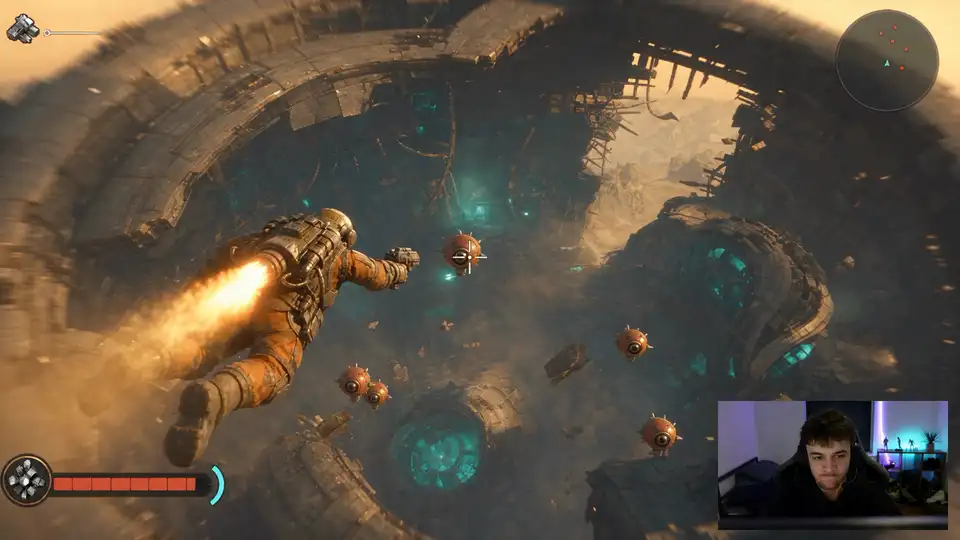
Pick a layout and the 16:9 frame rebuilds into 9:16. Dark bars in the recording are cut. frameyeet looks for your webcam on your device and asks “Is this the webcam?” when unsure; if nothing turns up, you mark it with a frame.

Editor
Almost perfect? Finish it by hand
When auto-cut gets a short close but not quite right, open it in the editor and tune it by hand: trims, captions, your own pictures and sound, all on one timeline.
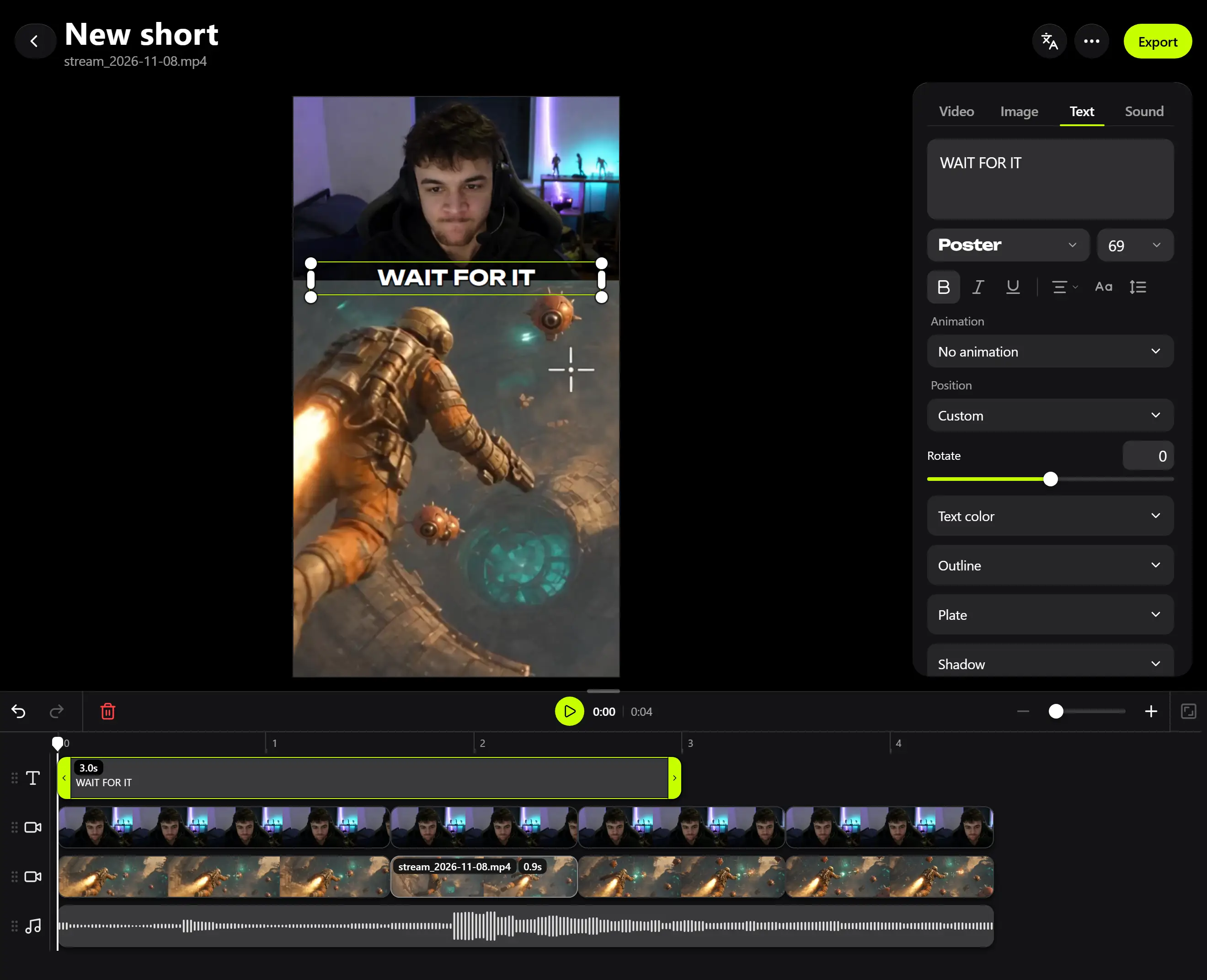
Text and captions
Type captions by hand, or try auto-captions (beta, Powered by Moonshine AI) that run on your device.
Your images and GIFs
Add a picture or a GIF from your device: a meme you saved, a sticker, your logo. Up to four image layers over the video.
Your sound
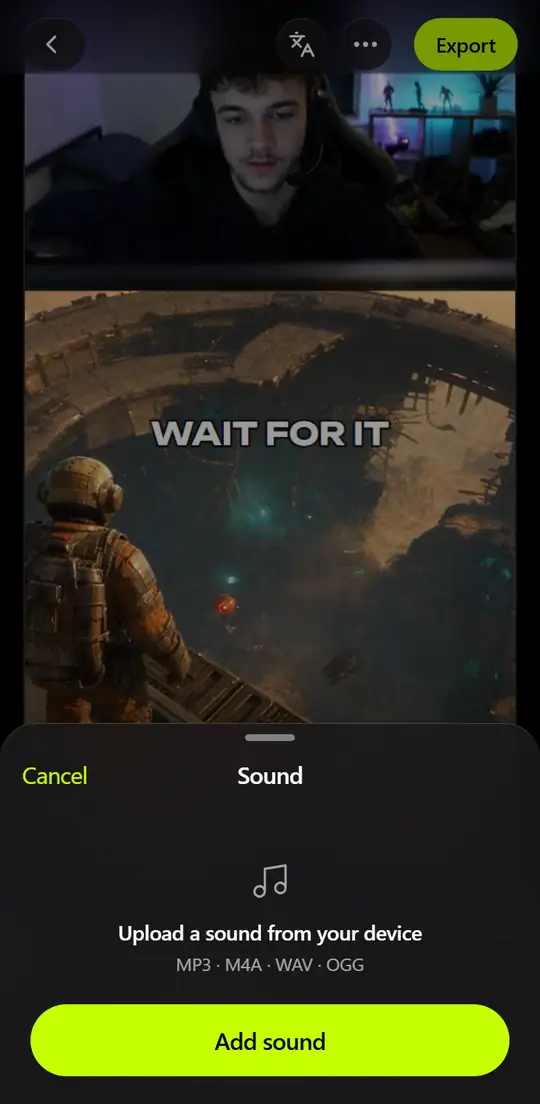
Music, a voiceover or an effect from your device: MP3, M4A, WAV or OGG. Volume for every layer.
Timeline
Trim, split, reorder, up to four video layers.
Video types
Gaming now. More next
Each type needs its own detector, so we add them one by one.
- Gameplay recordingStreams, let’s plays, matchesLive
- InterviewGuests, Q&A, street pollsIn development
- PodcastEpisodes, talk shows, chatsIn development
- Talk streamJust chatting, AMAs, reactionsIn development
- Travel and vlogsTrips, walks, day in the lifeIn development
- Lecture, course, webinarClasses, talks, workshopsIn development
- Review or how-to guideUnboxings, tests, tutorialsIn development
- Sports and matchesRaces, tournaments, trainingIn development
- Concert, show, eventGigs, festivals, stand-upIn development
Phone
Works on your phone, too
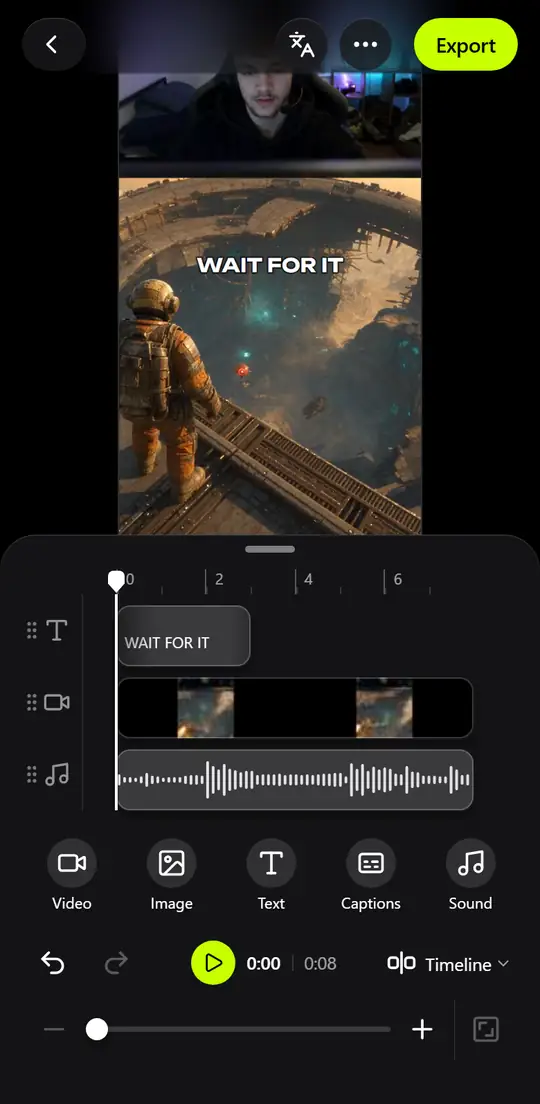
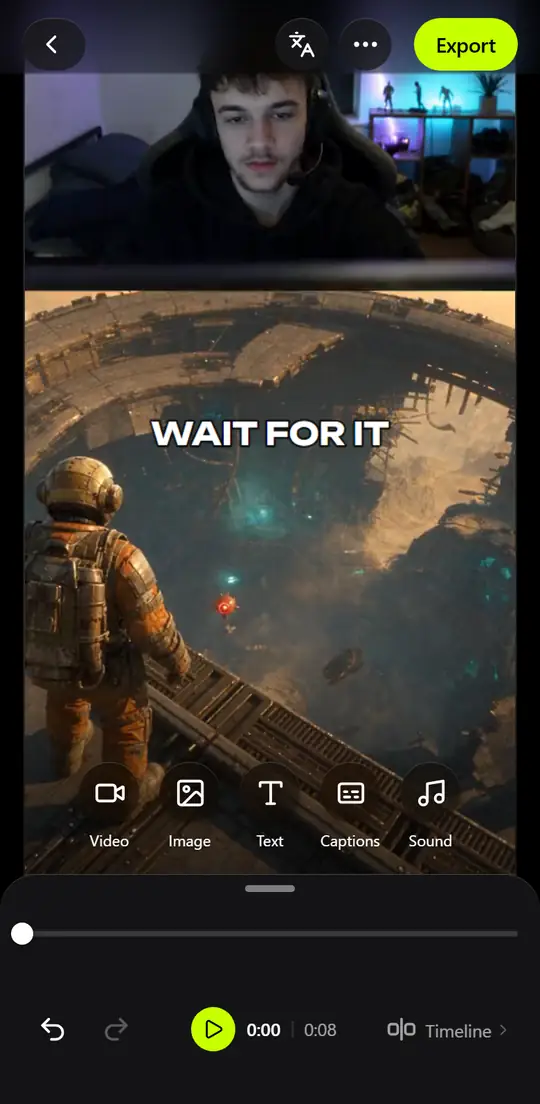
The same app opens on your phone: watch the shorts, fix the edges, add text, or a picture or sound from your phone, install frameyeet to your home screen.
Projects don’t sync between devices: they live in your browser. You can move a project as a file (without the video).
On iPhone with iOS 18 or older, video exports without sound: Safari there can’t encode audio. frameyeet tells you before you export.
Recordings and games
Which games are supported?
Any game: the detector listens to sound, motion and cuts, not to a specific title. It works best on recordings with game sound and your voice.
How long can the recording be?
Hours. Files over 500 MB open in place, without a copy; this works best in Chrome or Edge.
How long does a scan take?
It depends on the mode and your computer. Fast mode runs many times faster than real time.
How do I get my stream as a file?
OBS, ShadowPlay and Xbox Game Bar save recordings as files on your computer. Streaming platforms usually let you download your own past broadcasts from your creator dashboard.
Can I paste a Twitch or YouTube link?
No. frameyeet works only with a file on your device.
What about podcasts, interviews, vlogs?
In development. Each type needs its own detector.
Free and private
Is it really free? What’s the catch?
Yes, it’s free, with no credits and no watermark. Rendering runs on your computer, so it costs us nothing. Paid extras may come later.
Where does my video get uploaded?
Nowhere. Scanning, editing and export happen in the browser on your device.
Is this AI?
The cutting is done by a signal detector (sound, motion, cuts) on your computer, with no cloud and no black box. Webcam search and auto-captions use small models that also run on your device.
Will there be a watermark?
No.
Where are my projects saved?
Only in this browser. Save a project as a file as a backup (without the video).
Export and devices
What do I get on export?
MP4 (H.264 video, AAC sound), 9:16, 1080 pixels wide by default, as a batch.
Does frameyeet work on a phone?
Yes, for edits, text, and pictures or sound from your phone. On iPhone with iOS 18 or older, export has no sound.
Which browsers?
Chrome or Edge on a computer work best. We haven’t tested other browsers well enough yet.
Which languages?
The interface is in English and Ukrainian.
Drop in a recording, frameyeet does the rest
Watches and listens to your whole recording, keeps only the interesting bits and turns them into shorts.
Feedback
Tell us
A bug, an idea, or a video type you need.